
Form Building
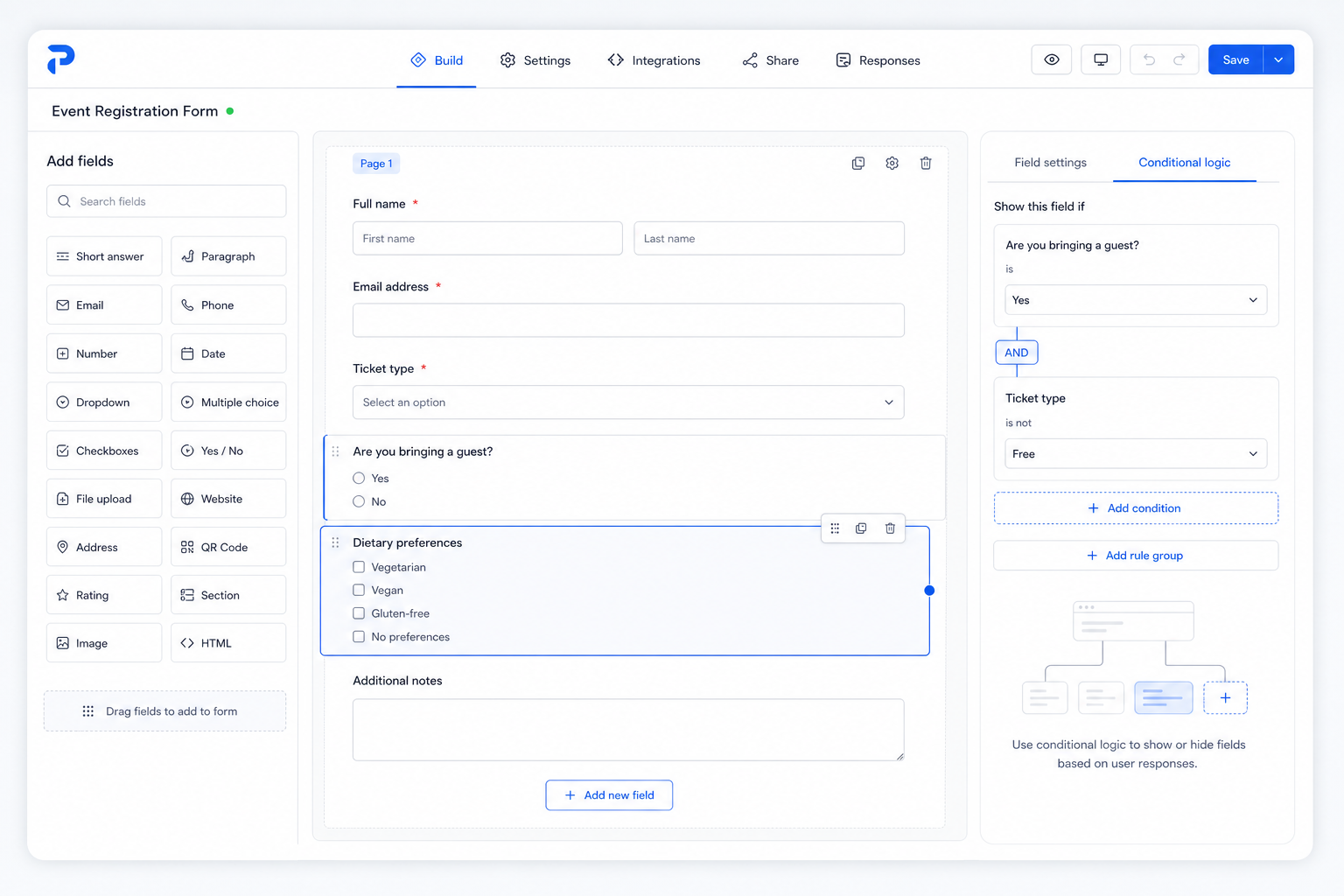
Create polished forms quickly with drag-and-drop fields and practical conditional logic.
Privacy-conscious self-hosted form workflows
Build branded forms, collect organized responses, issue QR-code tickets, and manage event check-ins from one straightforward platform.
Core features
PasaForm keeps creation, responses, ticketing, and check-in in one simple workflow your team can trust.
Create polished forms quickly with drag-and-drop fields and practical conditional logic.
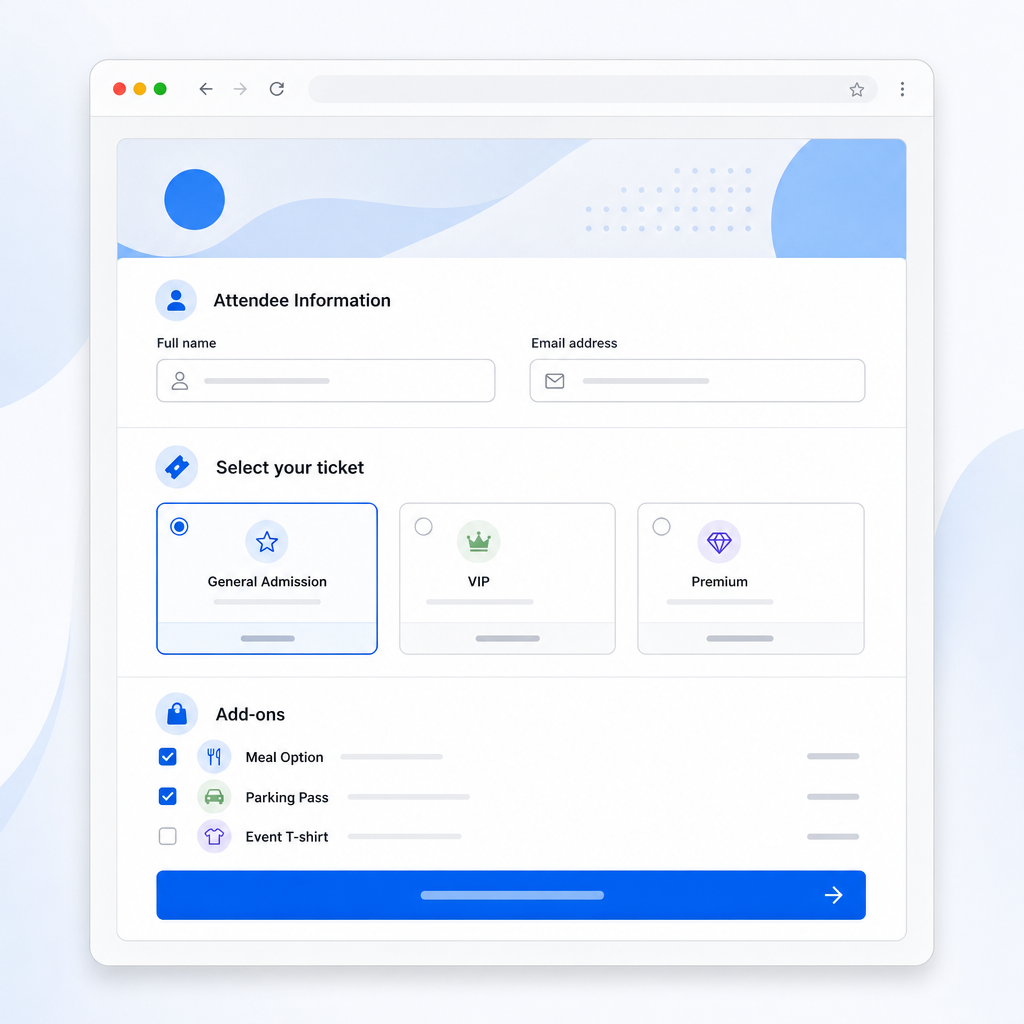
Match every form and registration page to your brand for a consistent attendee experience.
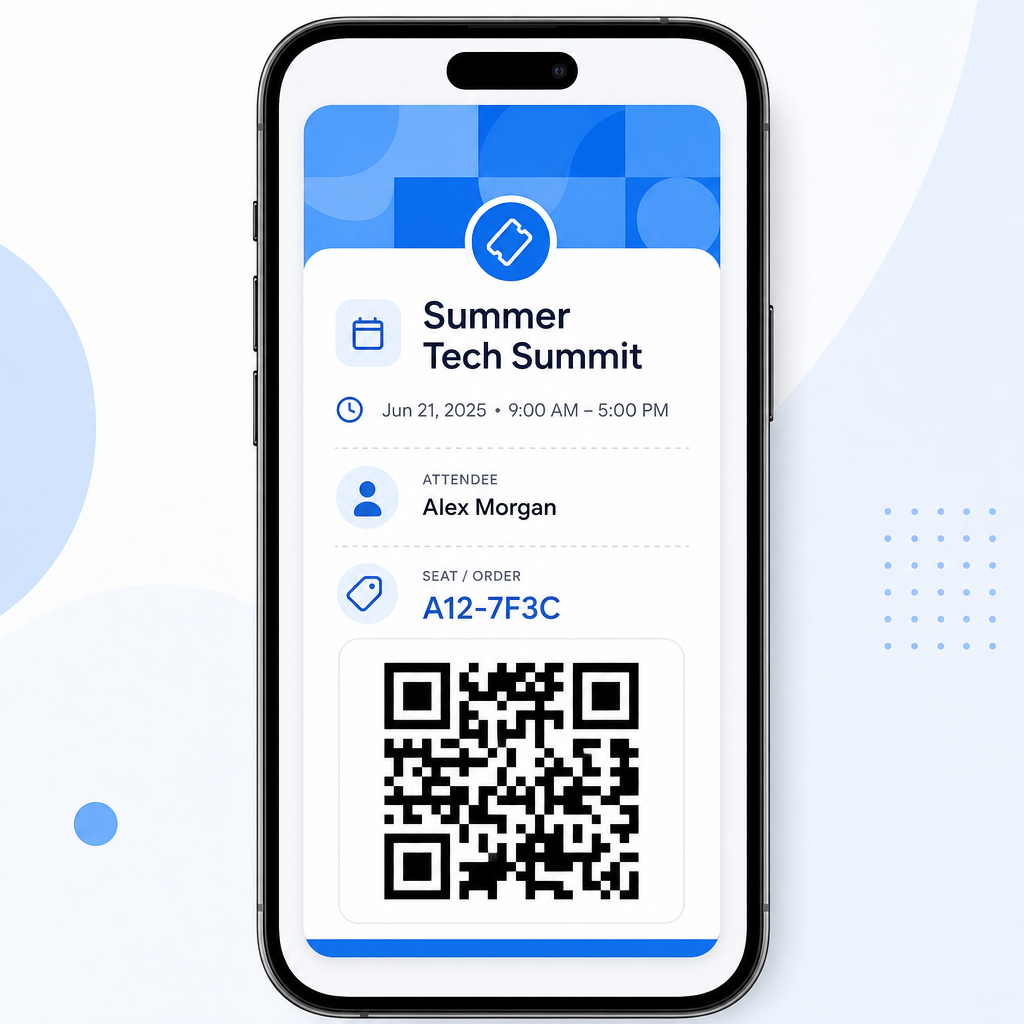
Issue QR-code tickets during signup so check-in is faster and easier on event day.
Review, filter, and process submissions with clear status tracking and team-ready workflows.
Send data where it needs to go with exports, webhooks, and dependable integration options.
Keep control of your data with self-hosted deployment options and practical access permissions.
Customization & Branding
Apply brand styling without adding complexity—teams keep the same workflow while participants see a polished, trusted experience.
Before
DefaultAfter
BrandedScan state
Configurable ticket details after QR scan
Visible
Name
Visible
Ticket type
Hidden
Internal notes
Exports & Integrations
Keep review and handoff simple. PasaForm helps teams organize responses, export clean datasets, and connect follow-up actions without losing control of their data.
Download structured submissions for finance, operations, admissions, or event review. Columns stay predictable so teams can keep working in familiar tools.
Review entries quickly, update statuses, and keep ownership clear across your team.
Surface priority responses by date, status, or custom fields to speed up review.
Collect attachments with submissions so documents stay linked and auditable.
Send new submissions to CRM, messaging, or internal systems in real time.
Privacy & control
PasaForm keeps data control practical and visible. Form owners decide what to ask, when to ask it, and how submissions are handled by their own team.
Teams can show consent notices, use secure cookies when needed, and enable additional metadata only for workflows that require it. Exports keep your information usable in your own systems, and self-hosting keeps deployment in your environment.
Form owners control requested data
Choose exactly which fields are collected for each form.
Consent notices can be shown
Display clear consent text during submission when your process requires it.
Secure cookies support sessions
Use secure cookies to support flows like sign-in and continuation.
Browser/device metadata for review
Device and browser details can assist internal review workflows.
IP/location metadata is optional
IP and approximate location metadata may be available only when enabled.
Exports keep data usable
Export submissions so teams can report, archive, or process data in their own tools.
Self-hosted by design
Run PasaForm on your own infrastructure and keep operational control with your organization.
FAQ preview
Here are the questions people ask most before launching with PasaForm.